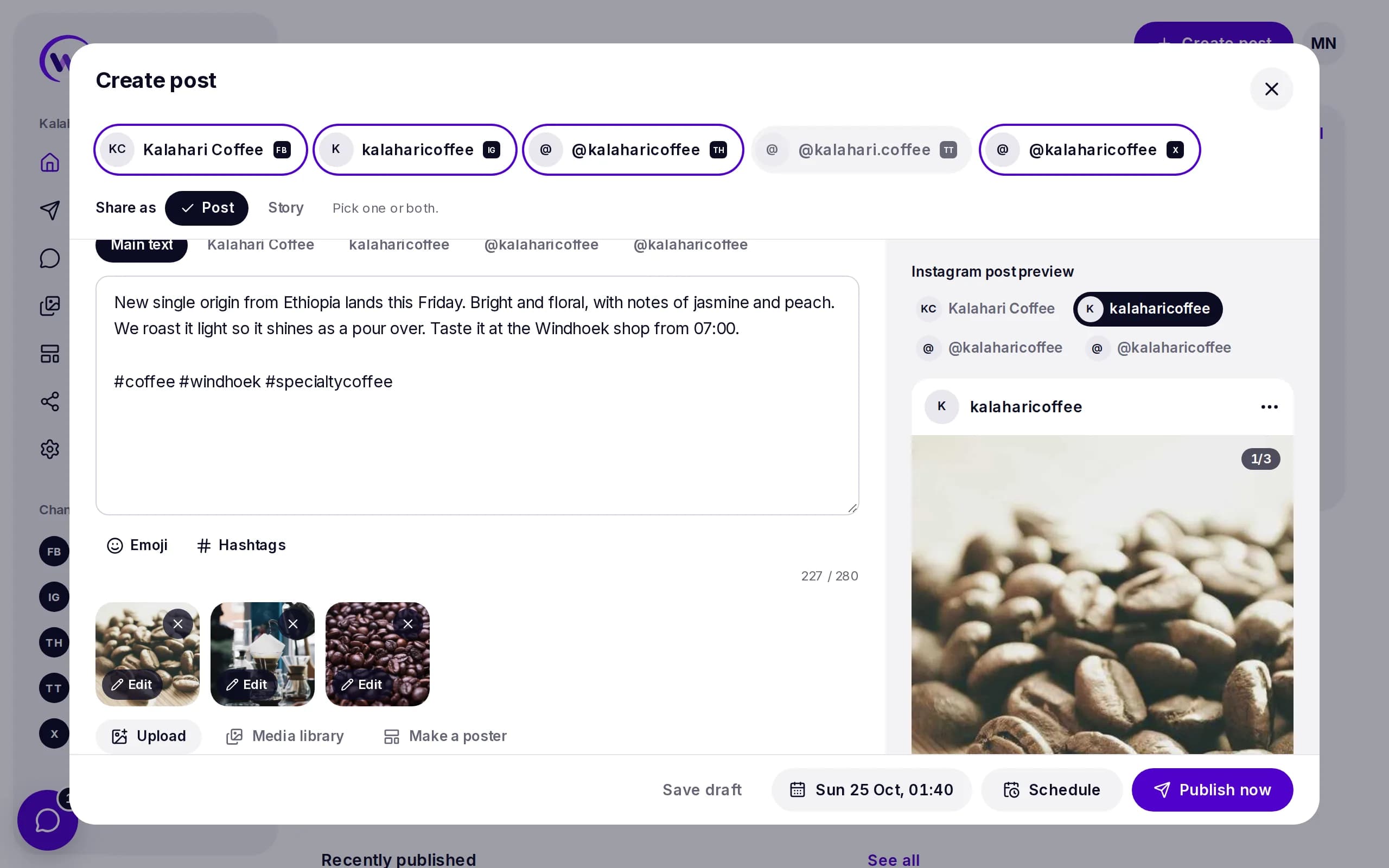
WhatsApp campaigns
Send to a tag of contacts or a WhatsApp group, and watch it go out at a pace that keeps your number safe.

Publish
Workspace
See everything Wammier does
Scheduling, WhatsApp, posters, media and your team, on one page.
Post and send to
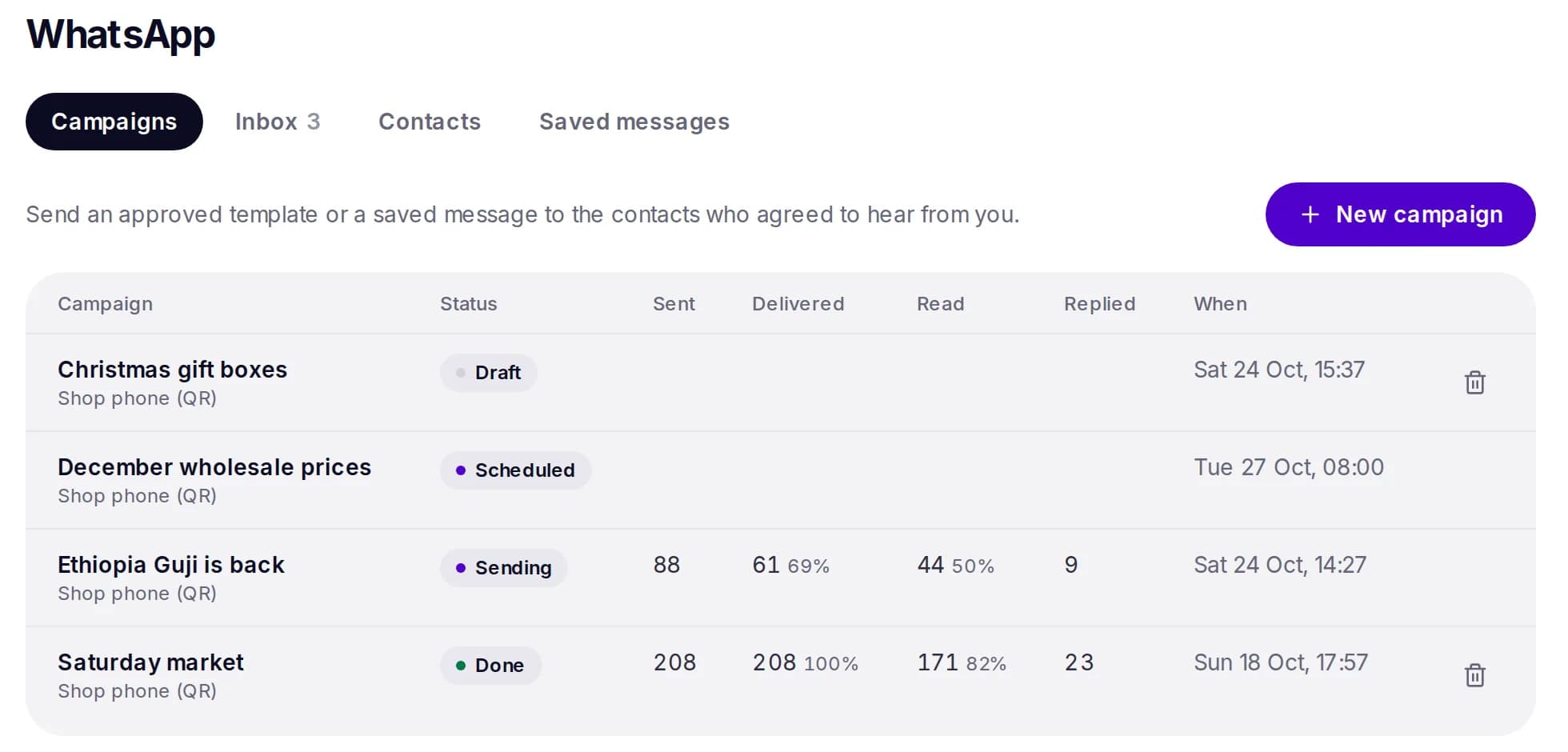
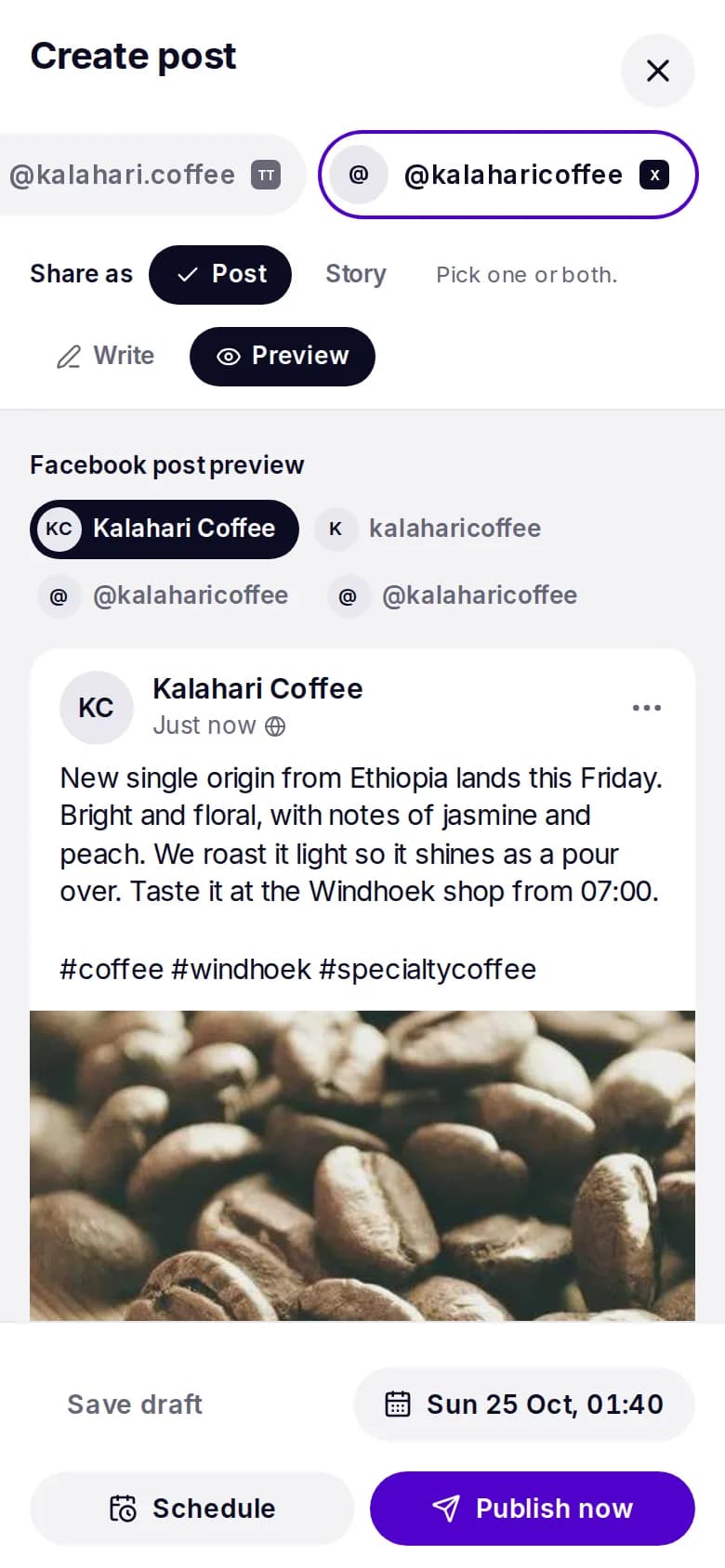
One composer, every channel
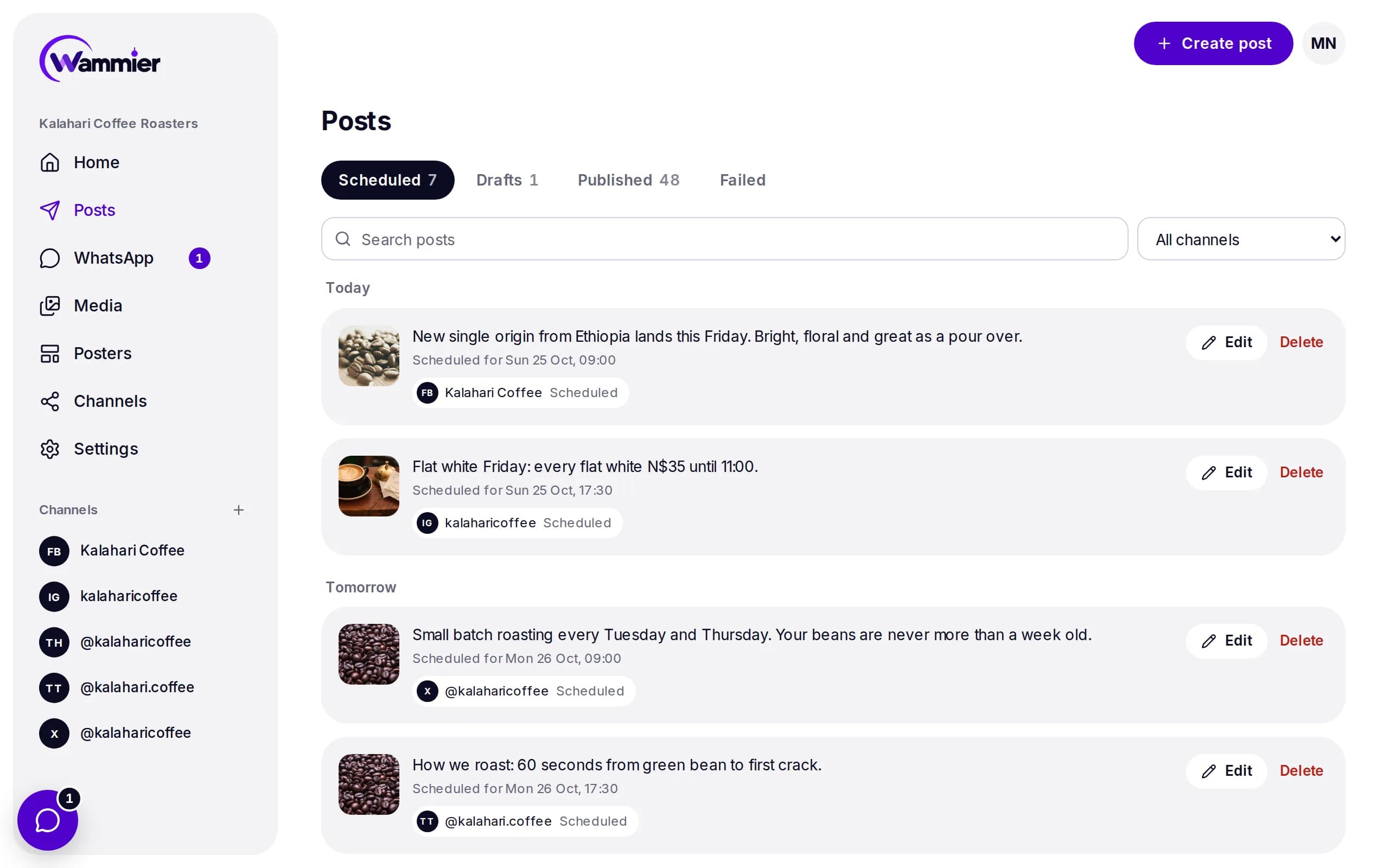
Write once, adjust for each network, and see a preview of each before it goes out.
Schedule posts to every network, send WhatsApp campaigns and answer each reply, from one workspace.
Send to a tag of contacts or a WhatsApp group, and watch it go out at a pace that keeps your number safe.
Pick a template, add a photo and your words. Saved to Media, ready to post.

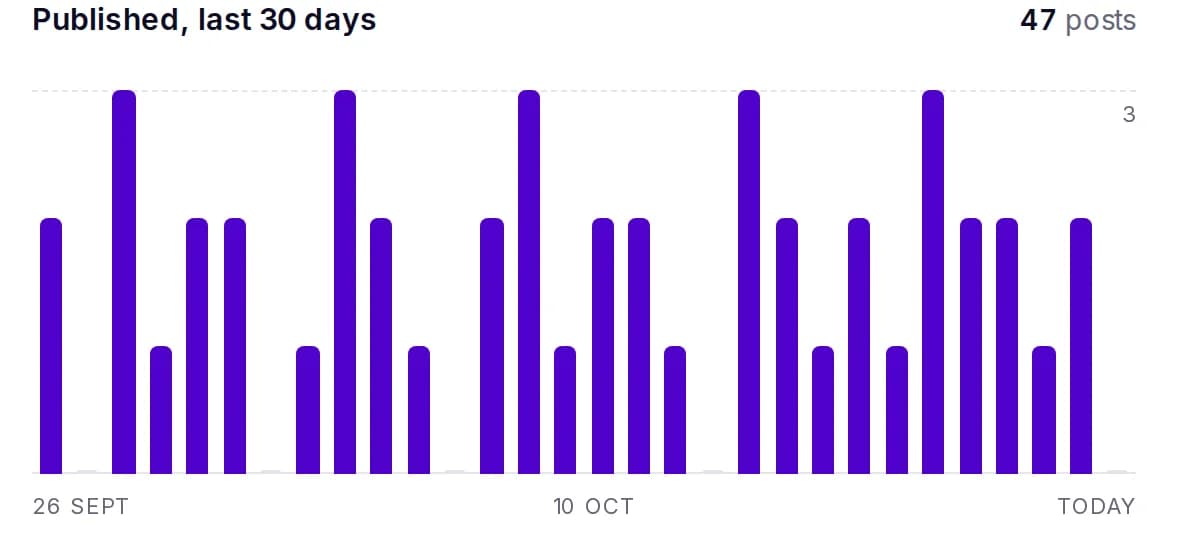
Home shows the next posts, the last 30 days and what needs you.
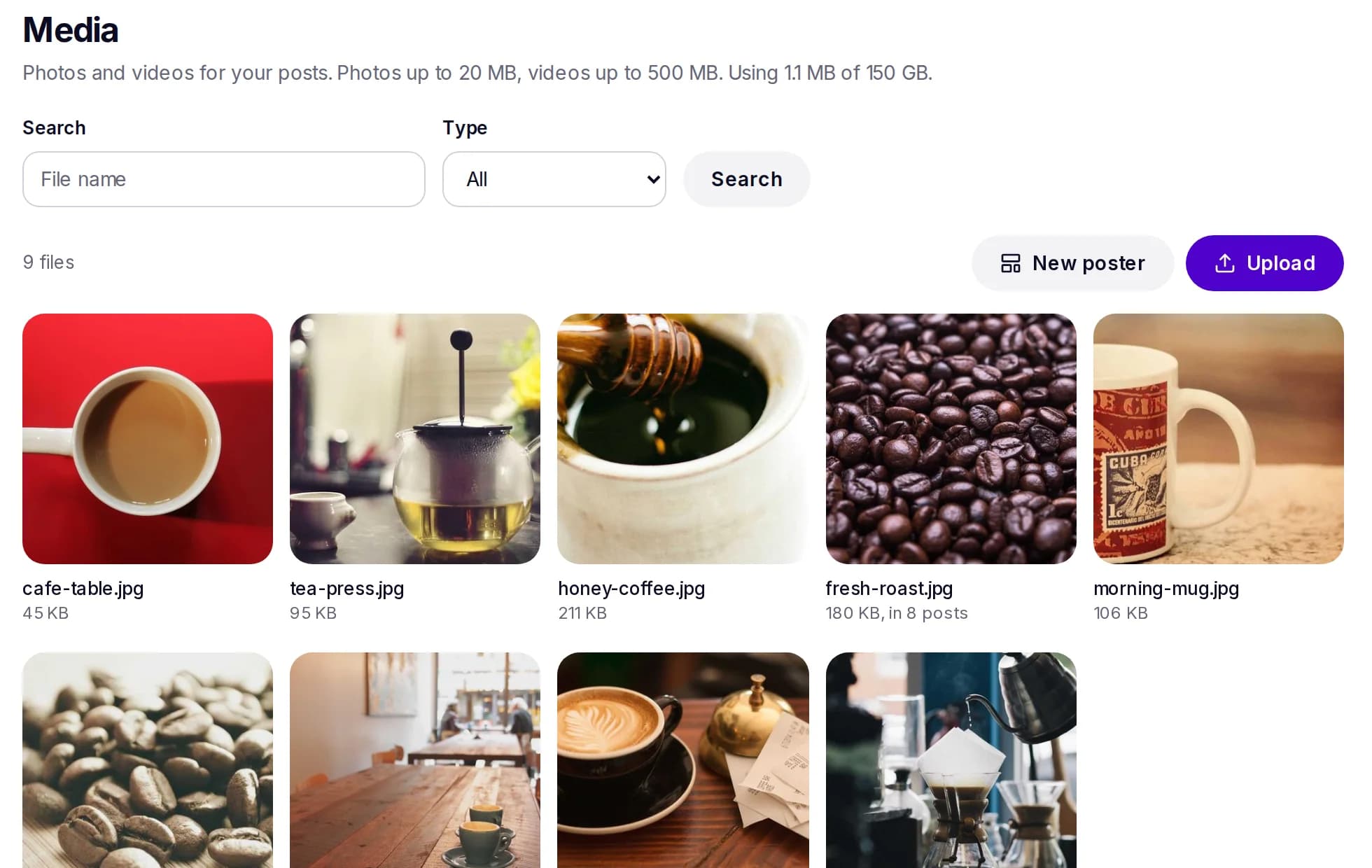
Upload photos up to 20 MB and videos up to 500 MB once, and use them anywhere.
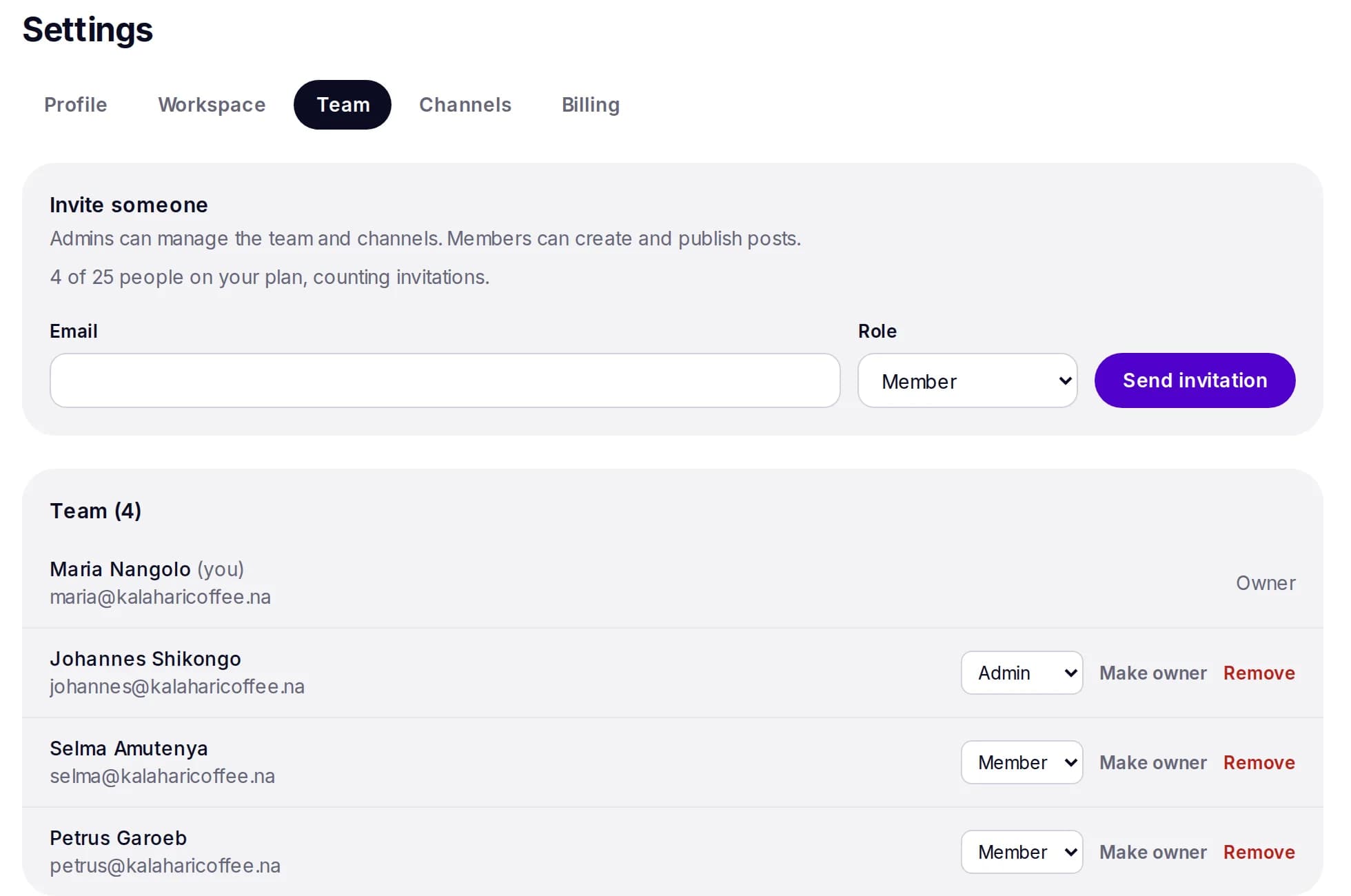
Invite the people who post with you, each with their own login and role.
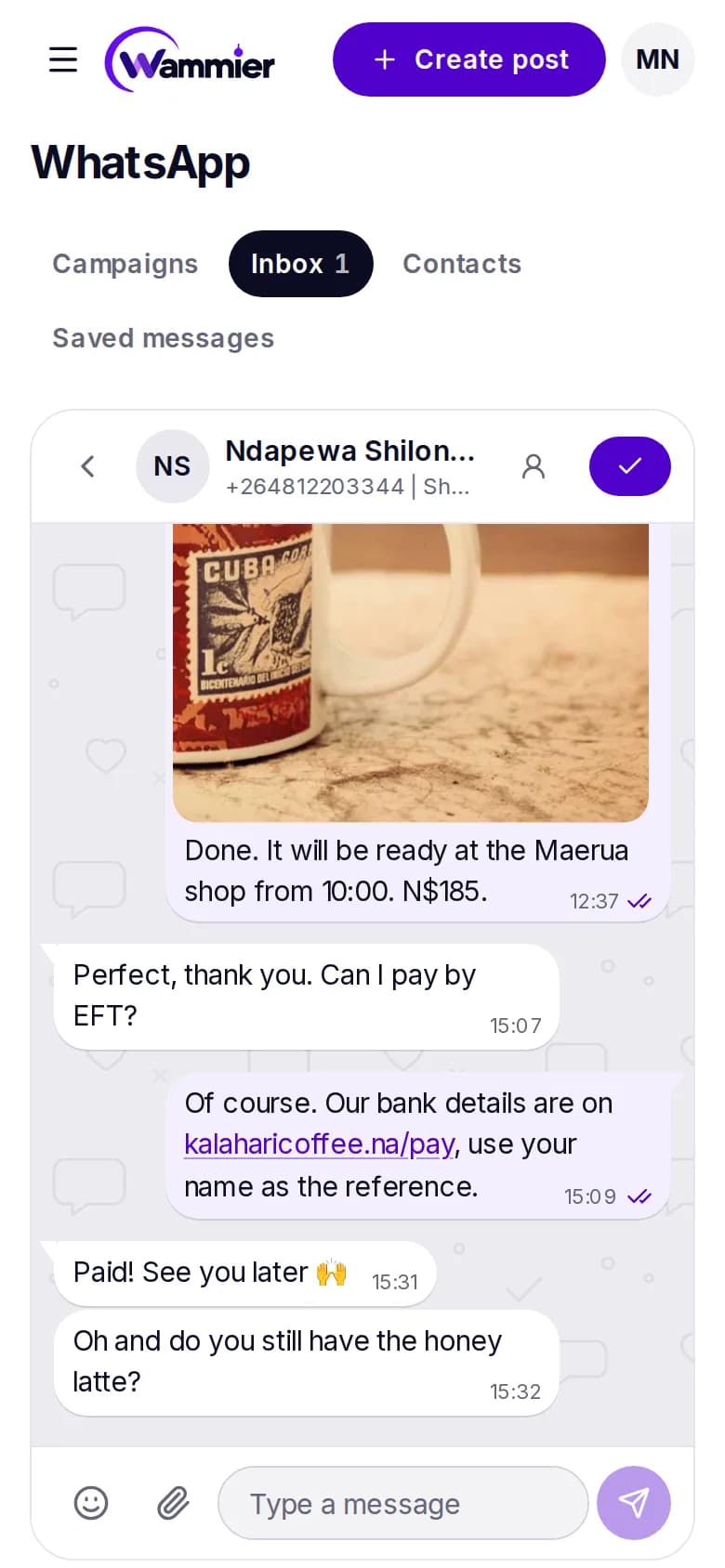
Use the official WhatsApp Business API, or link a phone with a QR code. Either way your team answers from one inbox.
Log in to Facebook, Instagram, X, TikTok and Threads, and link your WhatsApp number. Wammier only posts where you tell it to.
Write one post, change it for each network if you want, and pick a time in your own time zone.
Each network gets its post on time, and WhatsApp replies land in one inbox for your team.
Facebook Pages, Instagram business and creator accounts, X, TikTok, Threads and WhatsApp Channels. LinkedIn is coming next.
Yes. Send a message to the contacts who agreed to hear from you, see who got it and read it, and answer replies in the WhatsApp inbox.
There is a Free plan, and paid plans are priced in US dollars, so they work for businesses anywhere. New workspaces get a free trial of Growth, with no card needed.
Yes. Invite people by email as admins or members. Admins manage the team and channels, members write and publish posts.
No. Pick a template, add your photo and words, and Wammier uses your business colours and logo. The poster is saved to your media, ready for any post.
No card needed. When the trial ends you move to Free unless you choose a plan.