
Schedule TikTok videos and photo posts
Plan TikTok videos and photo posts, choose who can see each one, and post them on time without your phone.
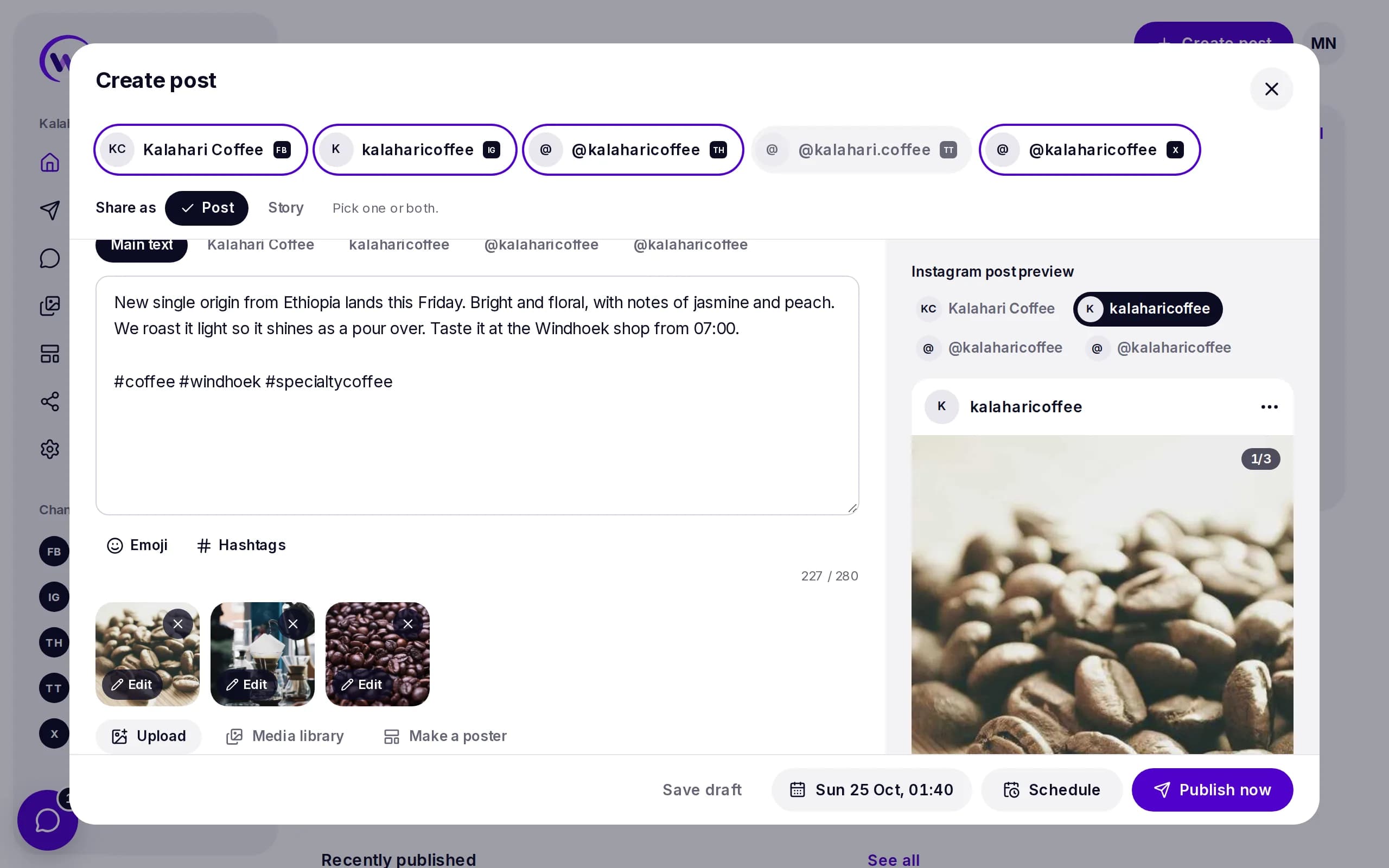
What you can post to TikTok
Video
A video with a caption.
- One video, 3 seconds to 10 minutes
- A title of up to 90 characters
- Choose who can see it
Photo post
A swipe through set of photos.
- Up to 35 photos
- Photos up to 20 MB
- Choose who can see it
Connect TikTok in a minute
- 1
Open Channels in Wammier and choose TikTok.
- 2
Log in to TikTok and allow Wammier to post for you.
- 3
Your account shows up in the composer.
Good to know
- Who can see it
- Choose who can see each post from the options TikTok gives your account.
- Media first
- Every TikTok post needs a video or photos. Wammier checks before you schedule.
- One composer
- Post the same video to TikTok, Reels and more in one go.
Questions
Can I post photos to TikTok?
Yes. Add up to 35 photos to make a photo post.
Can I add TikTok sounds?
Not from Wammier. TikTok only lets apps post the video as it is, so add music to the video before you upload it.
Start with 14 days of Growth
No card needed. When the trial ends you move to Free unless you choose a plan.