
Work with your team, each with the right access
Invite the people who post and reply with you, and decide what each one can do.
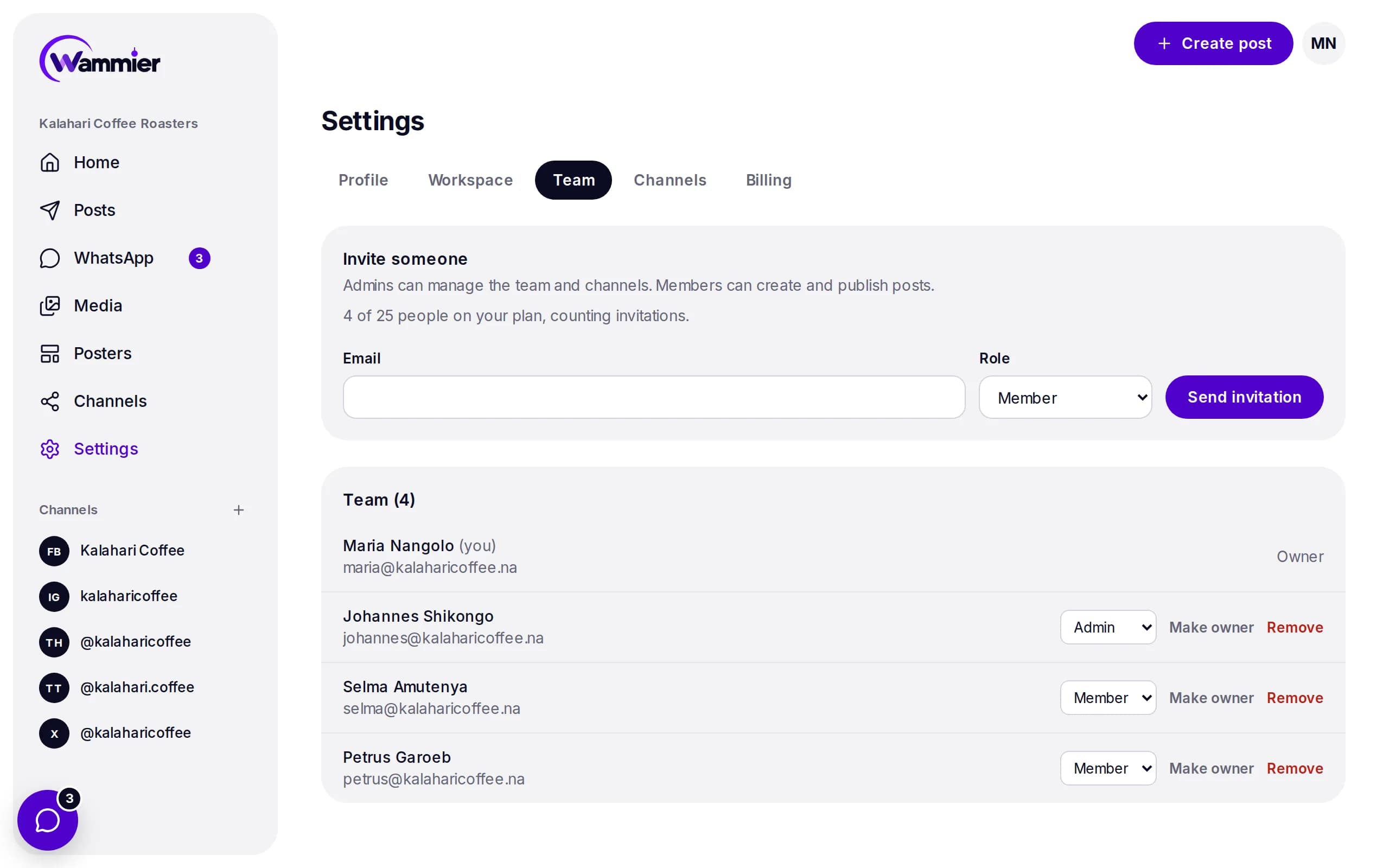
Three clear roles
Everyone gets their own login, and only the people who should can change the plan, the team or the channels.
- Owner
- Manages the plan and billing, and everything an admin can do.
- Admins
- Connect channels, invite people and change roles.
- Members
- Write, schedule and publish posts, and answer WhatsApp chats.
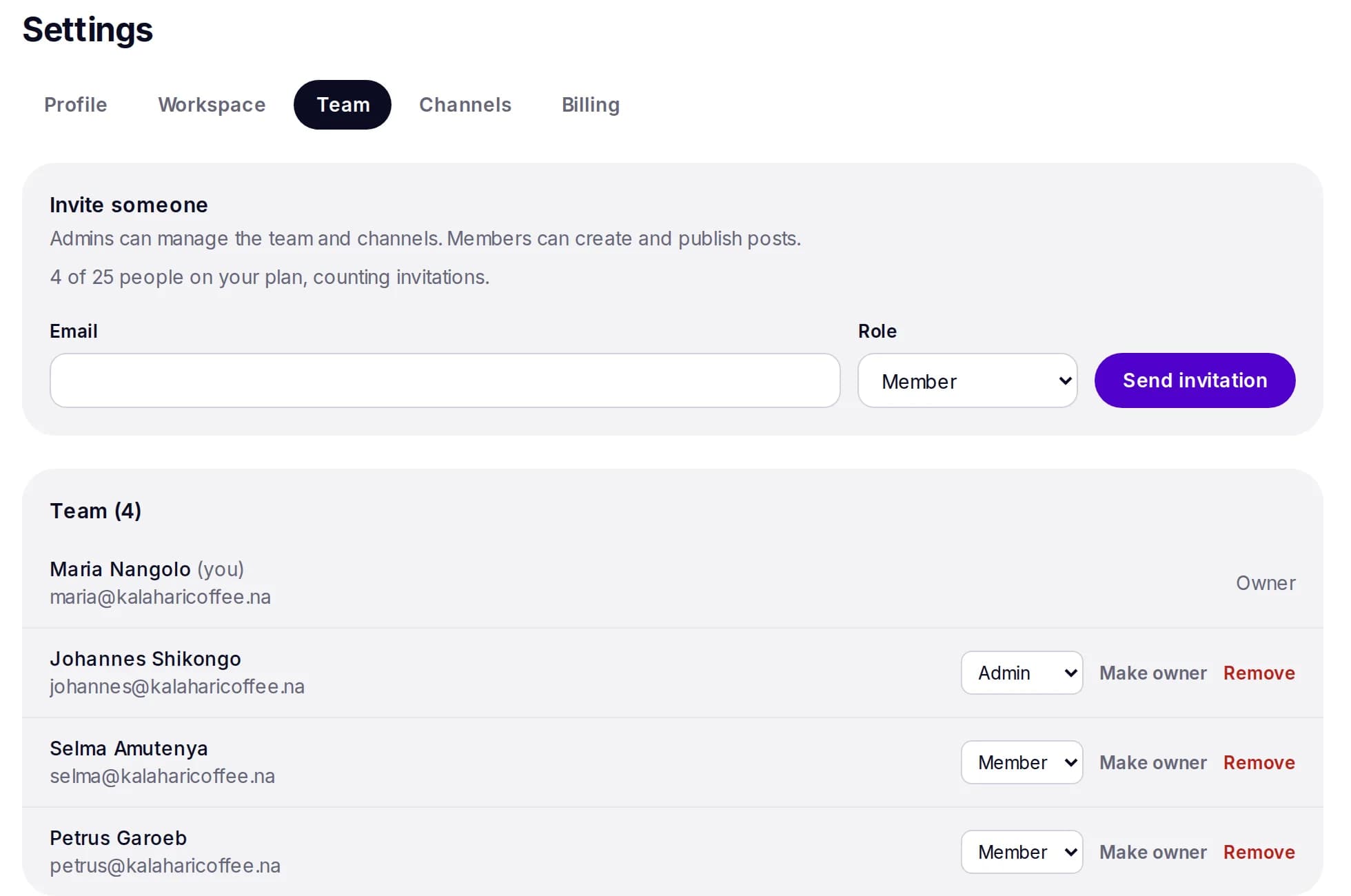
Joining takes a minute
Send an invitation by email. The person picks a password and lands in the workspace, ready to work.
- Invite by email
- Choose the role when you invite, and change it later.
- One inbox for all
- Everyone answers WhatsApp from the same inbox.
- Remove access
- Take someone off the team and their access ends at once.
Questions
How many people can I invite?
It depends on your plan. See Pricing for the number of team members on each plan.
Can a member connect channels?
No. Connecting and removing channels is for owners and admins, so members cannot change where posts go.
Start with 14 days of Growth
No card needed. When the trial ends you move to Free unless you choose a plan.