
WhatsApp contacts that stay tidy
Bring in the customers you already have, tag them for each audience, and let Wammier keep track of who agreed to hear from you.
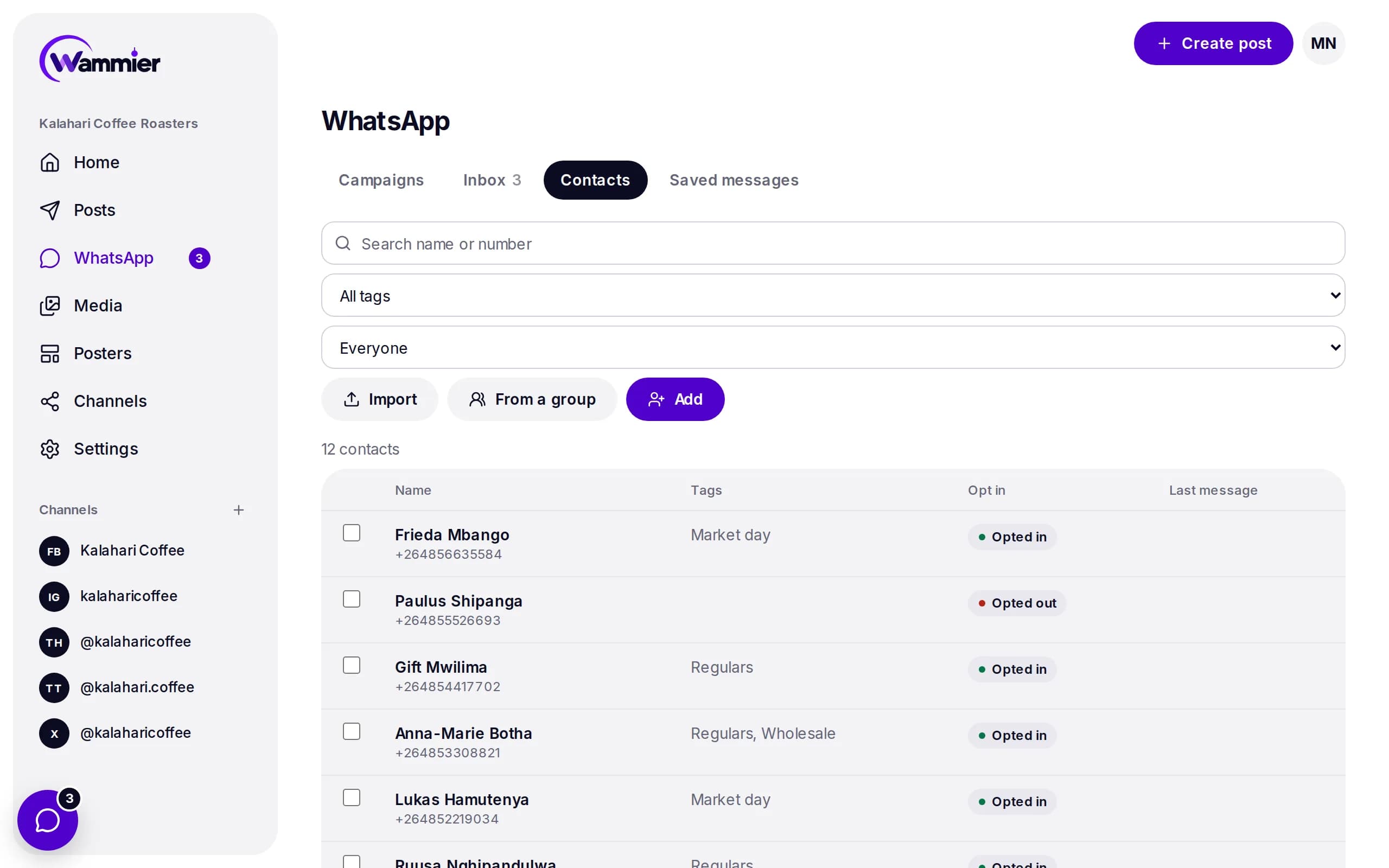
Bring everyone in
Upload a list, add people one by one, or import the members of a WhatsApp group your number is in.
- CSV import
- Upload a spreadsheet of names and numbers, with the country picked for numbers that have no code.
- Group members
- Import the people in a WhatsApp group. They are marked as not opted in until they say yes.
- Saved from chats
- Save a new person from the inbox in one tap, or let Wammier save every new chat for you.
The right people for each message
Tags let you send to regulars, wholesale buyers or event guests, and only to those who opted in.
- Tags
- Give people as many tags as you like, and change many at once.
- Opt in on record
- Each contact shows whether they opted in, and where it came from.
- STOP and START
- When someone sends STOP they are left out of campaigns, and START brings them back.
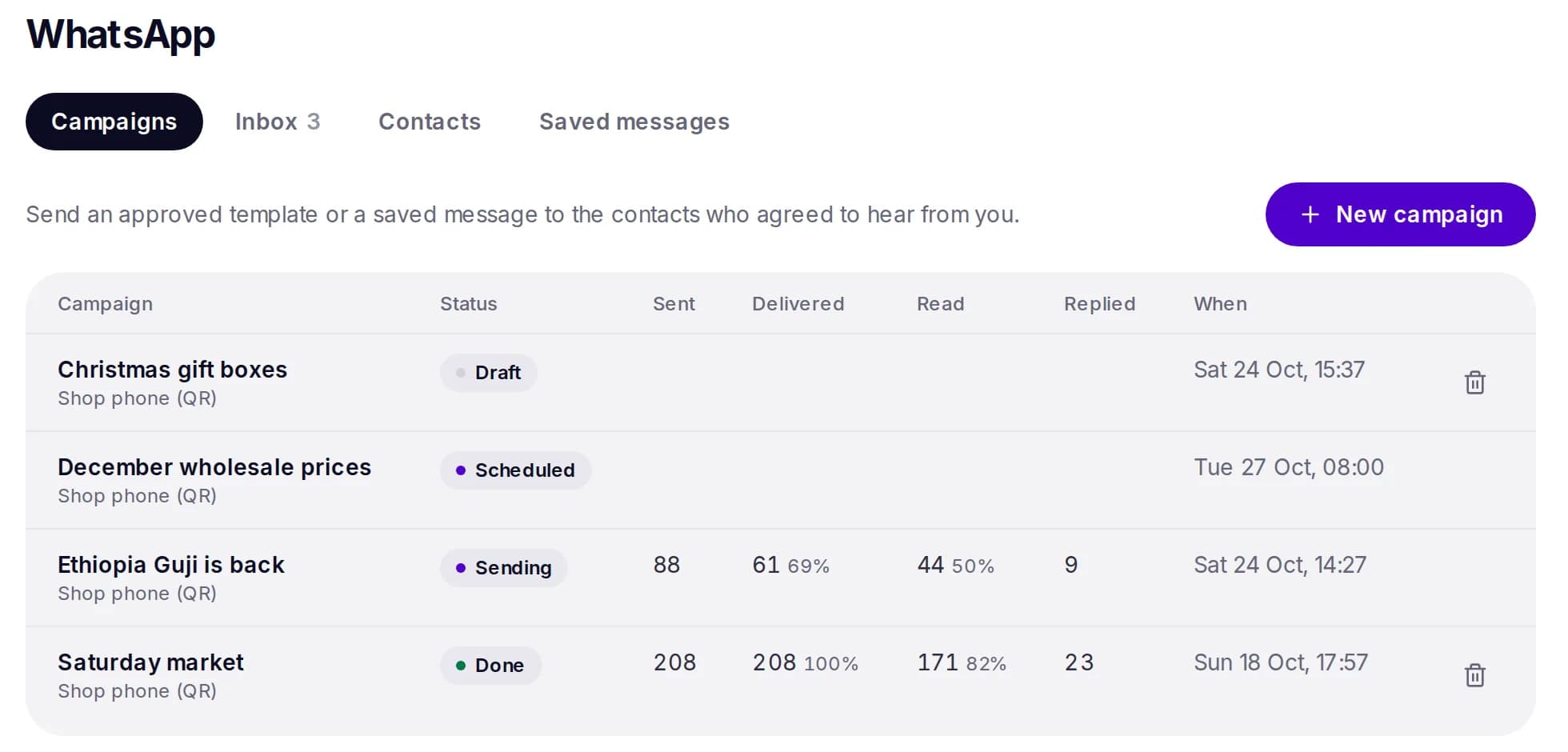
Questions
Which number format should I use?
Put the country code first, like +1, +44 or +264. When a CSV has numbers without a code, you choose the country while importing.
Are group members opted in?
No. Being in a group is not the same as agreeing to get your campaigns, so imported members are marked as not opted in.
Start with 14 days of Growth
No card needed. When the trial ends you move to Free unless you choose a plan.