WhatsApp marketing for your business
Send campaigns to customers who asked to hear from you, and answer every reply from one shared inbox.
Campaigns that reach the right people
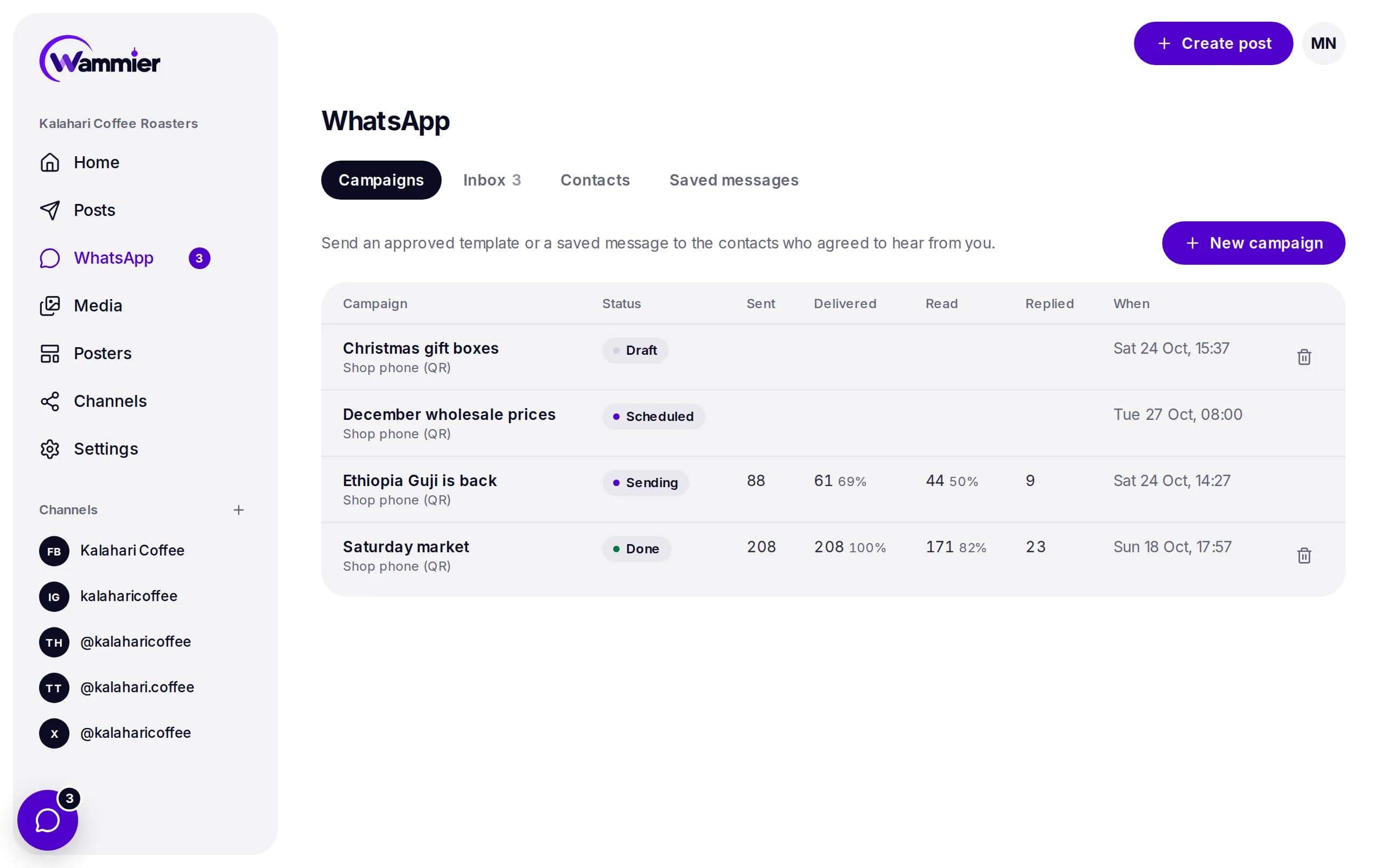
Choose a tag of contacts or a WhatsApp group, write the message or pick a saved one, and send now or at a set time.
- Sent, delivered, read and replied
- Each campaign shows how far it got, so you know what worked.
- Schedule, pause or stop
- Plan a campaign for later, send a test to your own phone first, and pause it at any time.
- No double messages
- The same message never goes to the same person twice in 7 days, even across campaigns.
One inbox for the whole team
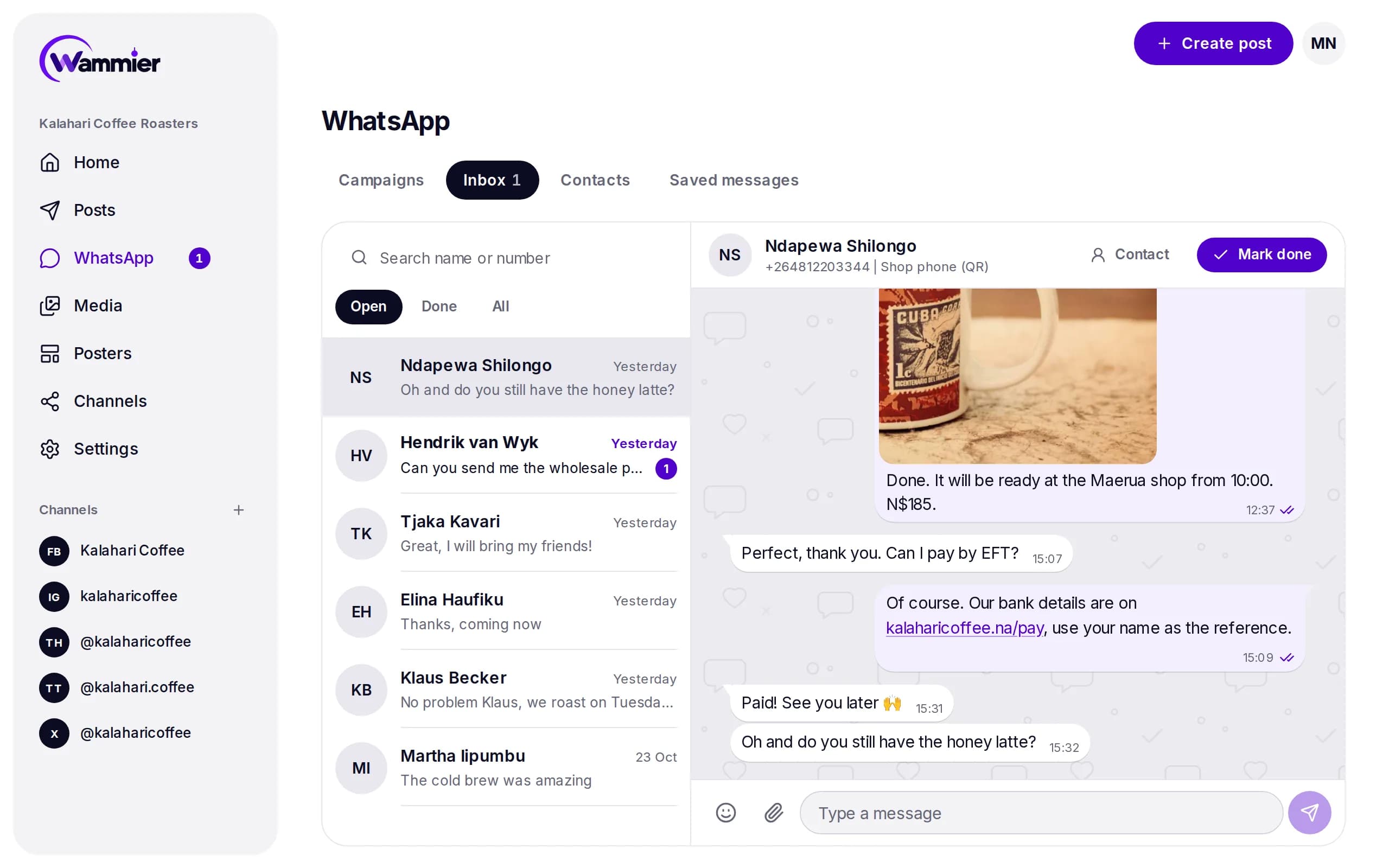
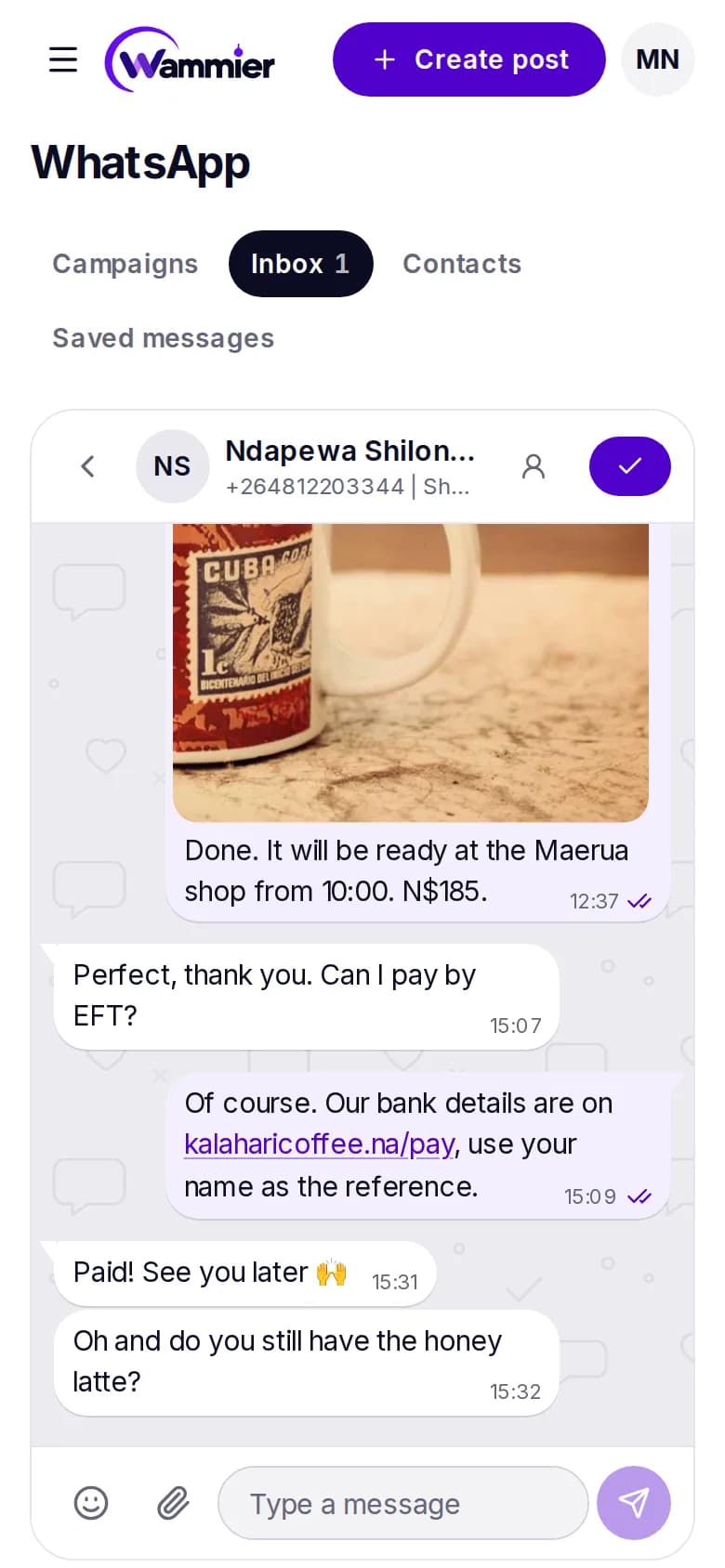
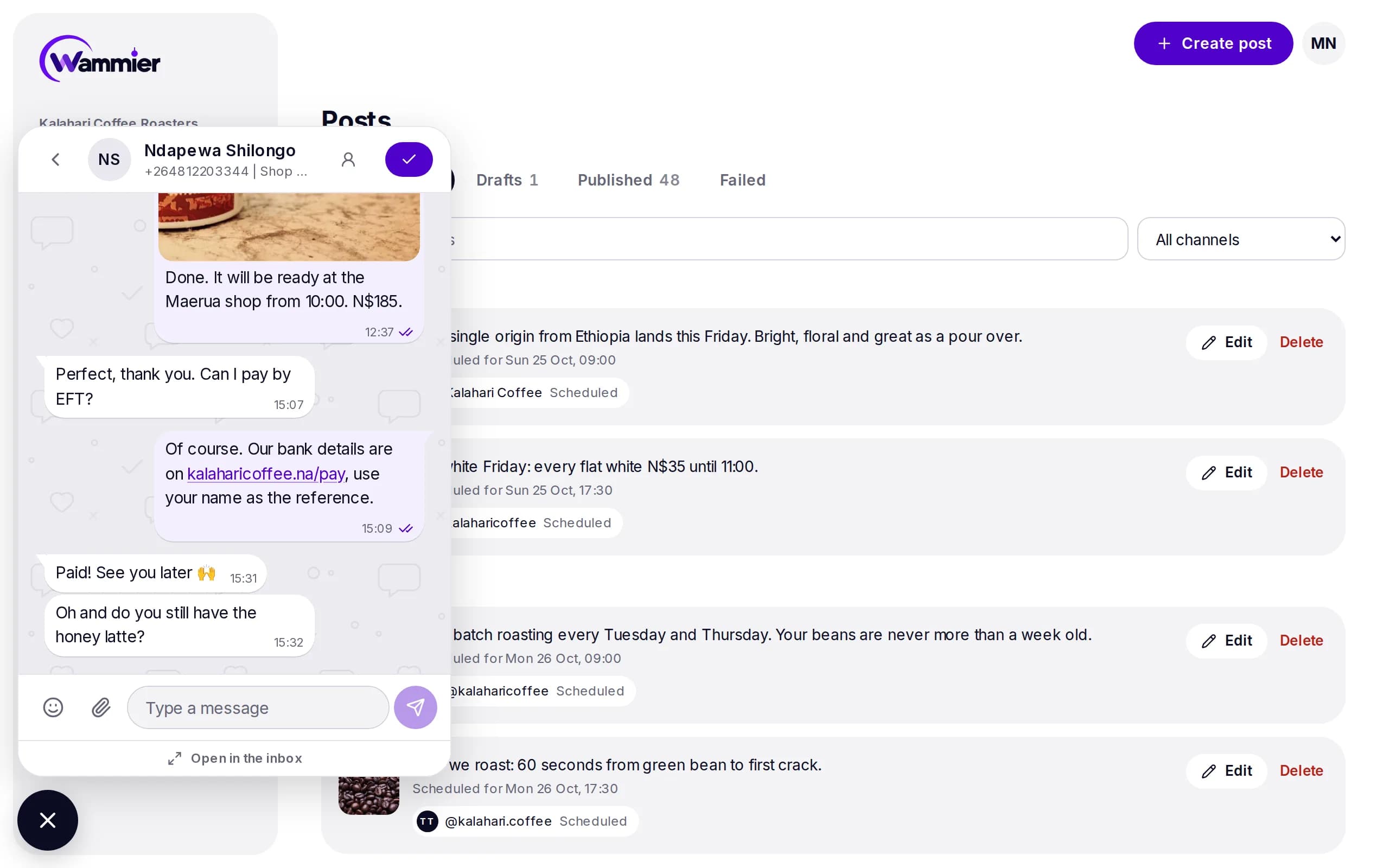
Replies from every number land in one place. Anyone on the team can pick up a chat, and the chat button follows you on every page.
- Reply, quote and react
- Answer with text, emoji, photos or videos, quote a message or react to it.
- Open and done
- Mark a chat done when it is handled, so nothing gets missed.
- In step with the phone
- With a QR number, messages you send from the phone show in Wammier too.
- Find any chat
- Search by name or number, and see each person's photo and WhatsApp name.
Contacts that stay tidy
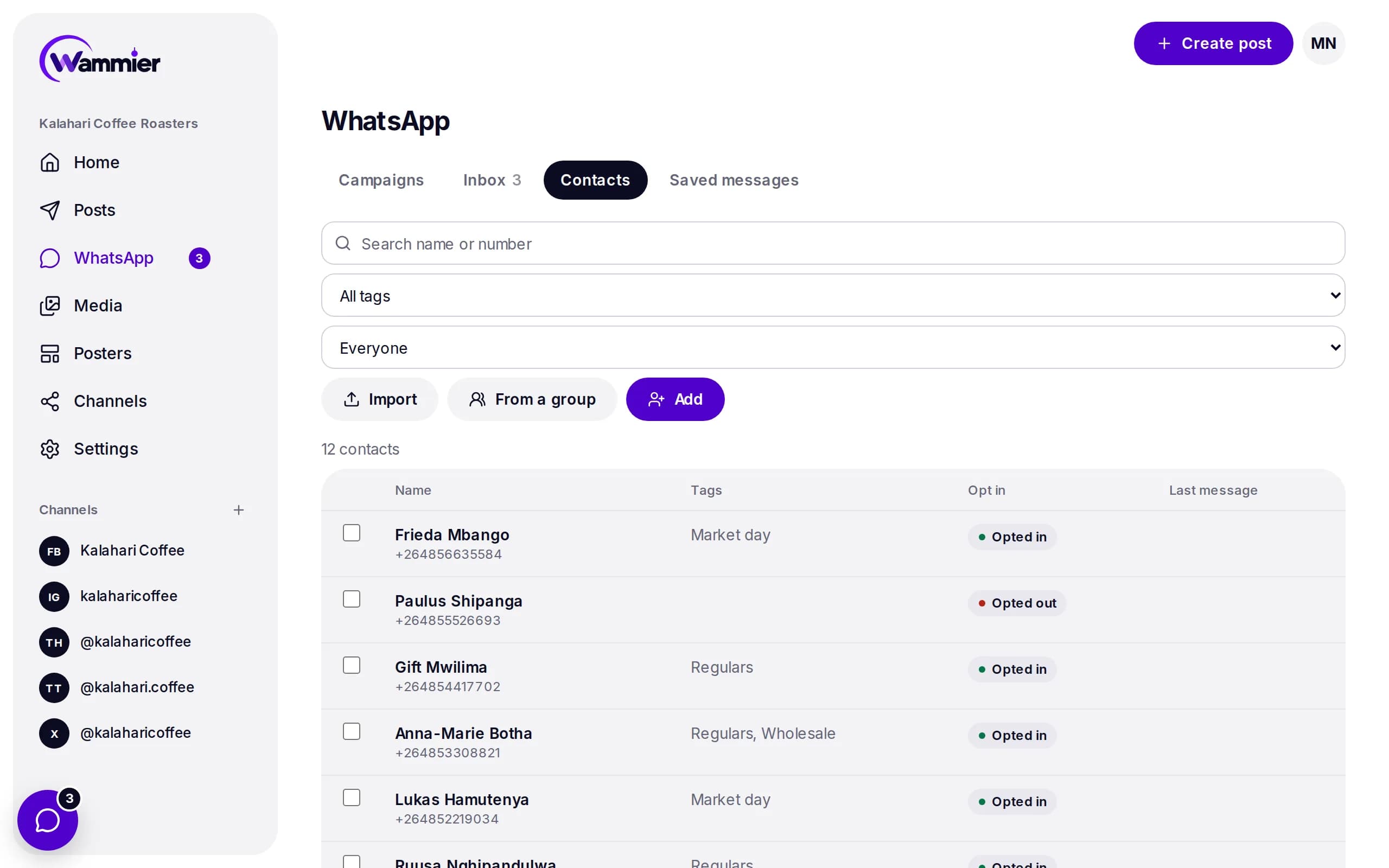
Bring in the customers you already have, and Wammier keeps track of who agreed to get your messages.
- Import a list or a group
- Upload a CSV, add people by hand, or bring in the members of a WhatsApp group.
- Tags for every audience
- Tag regulars, wholesale buyers or market day visitors, and send to just them.
- Opt in and STOP handled
- Campaigns only go to people who opted in. When someone sends STOP, they are left out.
A sending pace that protects your number
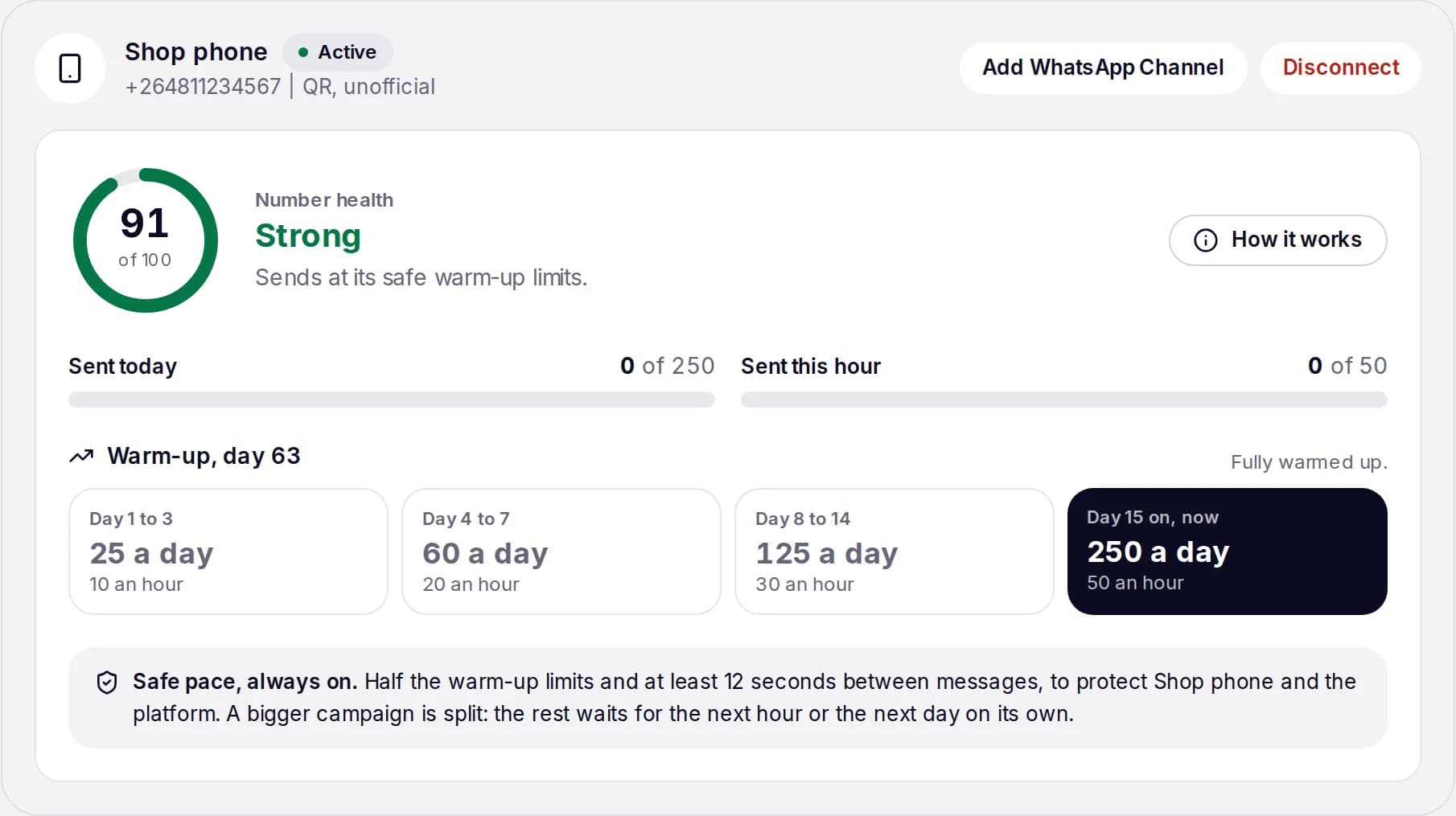
A new WhatsApp number that sends too much, too soon, gets blocked. Wammier warms each QR number up step by step and keeps a health score.
- Health score
- Each number is checked every few minutes. A weak number slows down, a number at risk stops.
- Warm up limits
- From 25 messages a day in the first days up to 250 a day once the number is settled.
- Big campaigns are split
- What does not fit today waits for the next hour or the next day, on its own.
Questions
What is the difference between the Business API and a QR number?
The WhatsApp Business API is the official way, through Meta. Campaigns use templates Meta approves, and it suits sending to many people. A QR number is a phone you link with a QR code, like WhatsApp Web. It is quick to start, sends slowly on purpose, and WhatsApp may block a number that sends too much.
Who can I send a campaign to?
Only contacts who agreed to get your messages. Wammier records where each opt in came from, and leaves out anyone who sends STOP.
Can I post to my WhatsApp Channel?
Yes. Add your WhatsApp Channel in Channels and it shows up in the composer next to your other networks.
Does my team need to share one phone?
No. Everyone answers from the Wammier inbox with their own login, on a computer or a phone.
Is my number safe on a QR connection?
Wammier sends at half the warm up limits, waits at least 12 seconds between messages and pauses a number whose health drops. No tool can promise WhatsApp will never block a number, so for large lists use the Business API.
Start with 14 days of Growth
No card needed. When the trial ends you move to Free unless you choose a plan.