
Schedule Facebook posts, Reels and Stories
Plan posts for your Facebook Pages with photos, videos and links, and send the same post out as a Story in one go.
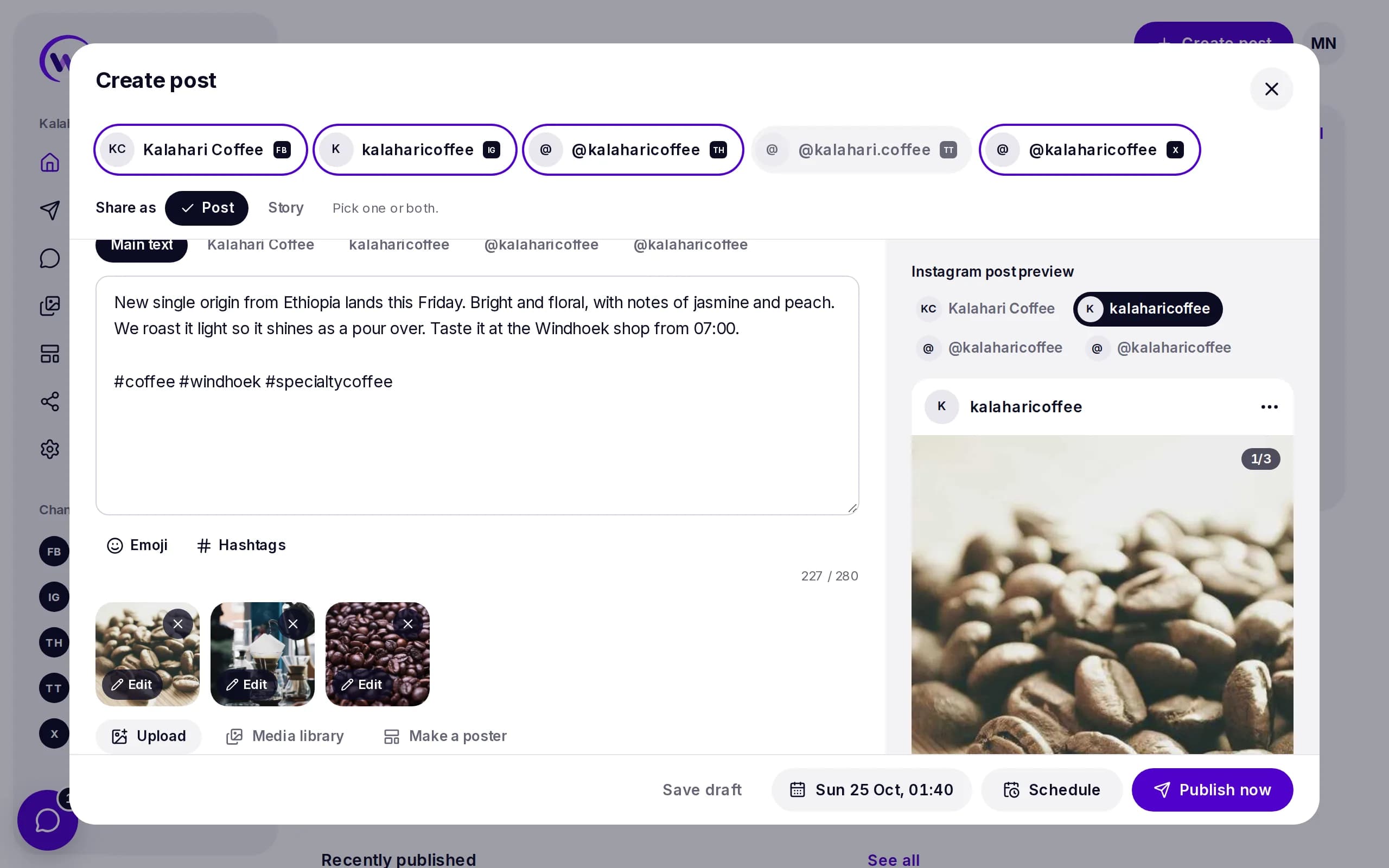
What you can post to Facebook
Post
Text, a link, photos or a video on your Page.
- Up to 10 photos
- Or one video, up to 4 hours
- Photos up to 10 MB
Reel
A tall video that plays in Reels.
- One video, 3 to 90 seconds
- Tall 9:16, at least 540 by 960
- Fitted for you when it is not tall
Story
A photo or short video for 24 hours.
- One photo or one video
- Video up to 60 seconds
- Or tick Post and Story together
Connect Facebook in a minute
- 1
Open Channels in Wammier and choose Facebook.
- 2
Log in to Facebook and pick the Pages Wammier may post to.
- 3
Your Pages show up in the composer, ready to schedule.
Good to know
- Pages, not profiles
- Facebook lets tools post to Pages only. Personal profiles cannot be scheduled by any tool.
- Instagram comes along
- When the Page has an Instagram account linked, Wammier puts both in the same business.
- A preview for each
- See the post as it will look on Facebook before you schedule it.
Questions
Can I schedule to my personal Facebook profile?
No. Facebook only lets apps post to Pages. Make a Page for your business and connect it.
Can a post also go out as a Story?
Yes. Choose Post and Story, and Wammier posts the post and then a Story with its first photo or video.
What happens if Facebook refuses a post?
You see why in plain words, can fix it and try again. If the Page needs to be reconnected, Home tells you.
Start with 14 days of Growth
No card needed. When the trial ends you move to Free unless you choose a plan.